電腦健康
管理專家
-
電腦加速

-
Advanced SystemCare Free
深耕電腦優化 15 年一站式電腦健康解決方案:清理、優化與安全防護
-
驅動更新

-
Driver Booster Free
#1 驅動更新軟體一鍵更新驅動,讓電腦效能持續保持最佳狀態
電腦健康
管理專家
一站式電腦健康解決方案:清理、優化與安全防護
一鍵更新驅動,讓電腦效能持續保持最佳狀態
Note: If you do not have the program installed, click here to download the latest version of IObit Uninstaller and install it first.
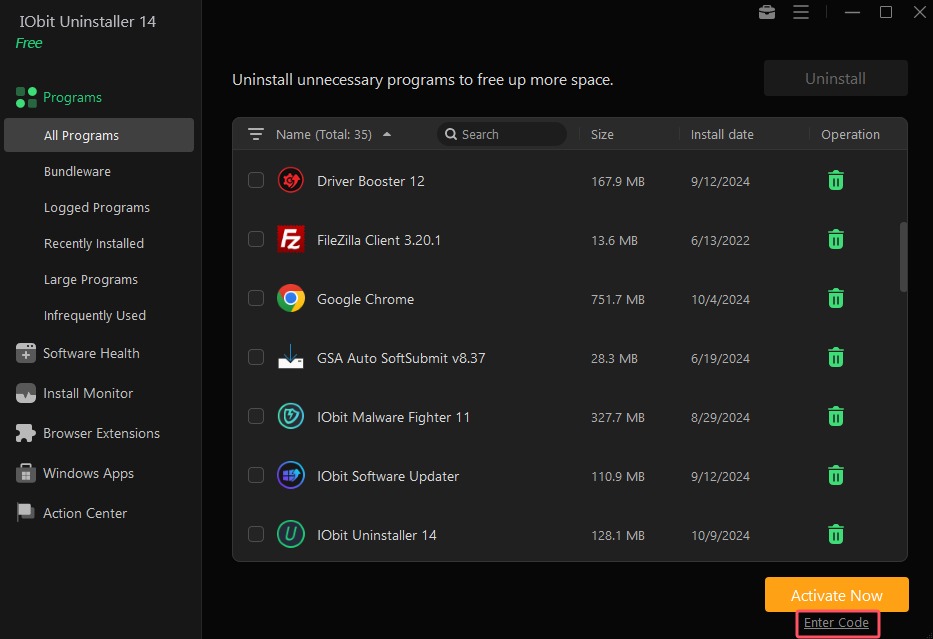
1. Open IObit Uninstaller FREE, and click the Enter Code text link at the bottom right of the main screen.
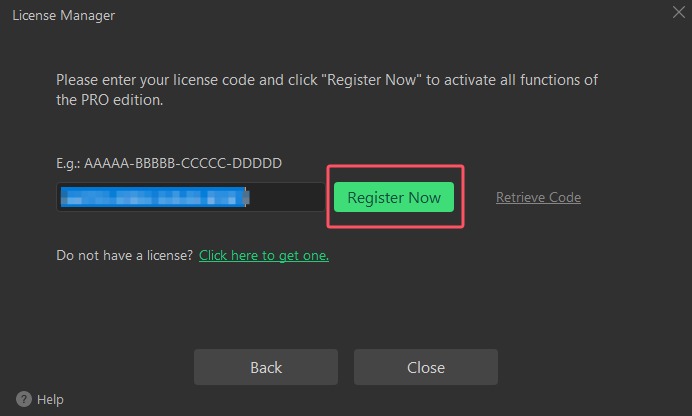
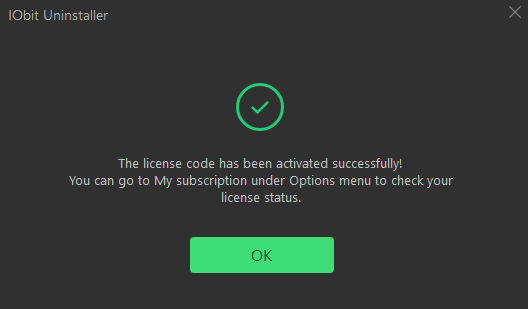
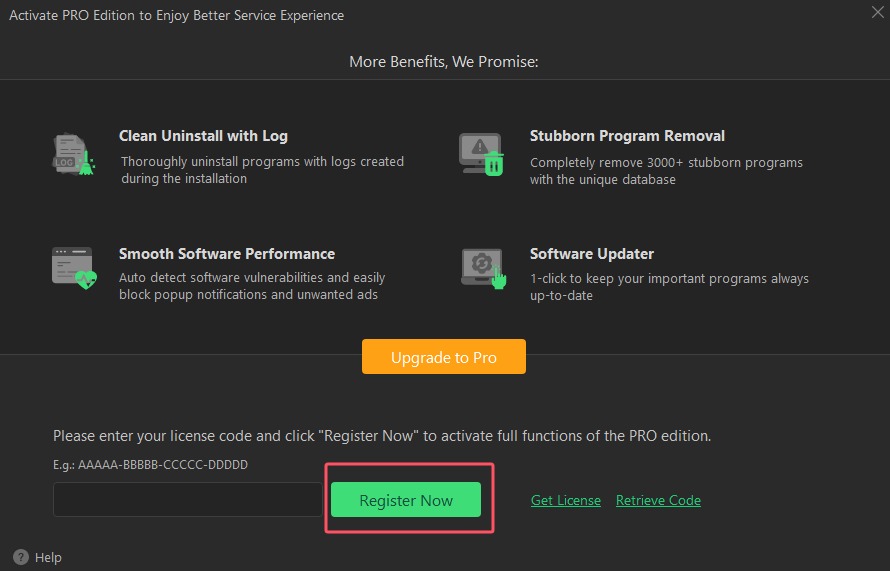
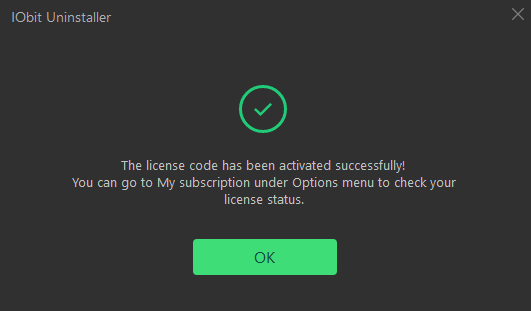
2. Copy & Paste to enter your license code, and click Register Now button to enjoy Pro version.
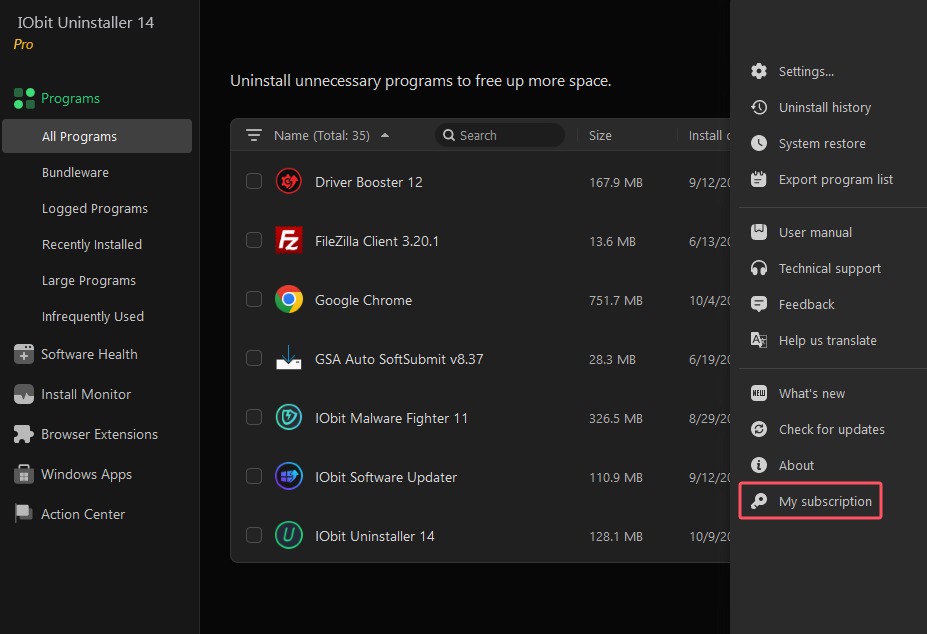
1. Open IObit Uninstaller PRO, and click the Options icon at top right of the main screen, and select My subscription in the menu.
2. Click Refresh link to open a new registration window.
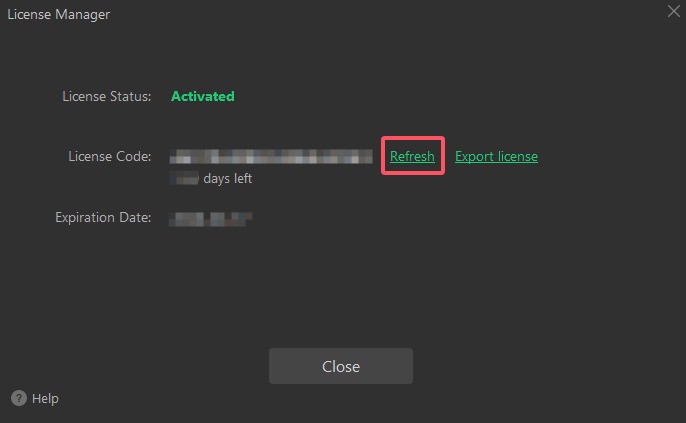
3. Copy & Paste to enter your new/renewal license code, and click Register Now button to refresh your service time.