電腦健康
管理專家
一站式電腦健康解決方案:清理、優化與安全防護

深度清理、全面優化、守護電腦安全
一鍵更新驅動,讓電腦效能持續保持最佳狀態

效能更穩定,有效減少系統當機與錯誤
守護數百萬台電腦,攔截惡意程式入侵
頂級資安防護,360° 全方位守護你的電腦
病毒防護與電腦效能提升,一套搞定
輕鬆移除不需要的程式與殘留檔案
自動更新軟體,維持最新版本
快速查看系統資訊與電腦規格
防止資料遭竊與隱私外洩
硬碟深度優化,電腦運行更順暢
讓你的 Mac 更快速、更安全
Note: If you do not have the program installed, click here to download the latest version of IObit Uninstaller and install it first.
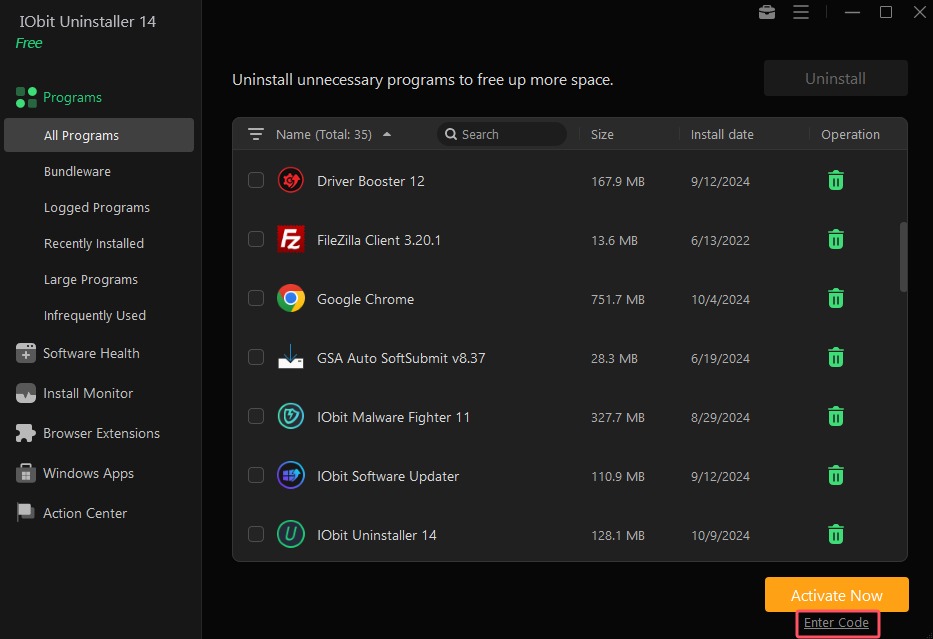
1. Open IObit Uninstaller FREE, and click the Enter Code text link at the bottom right of the main screen.

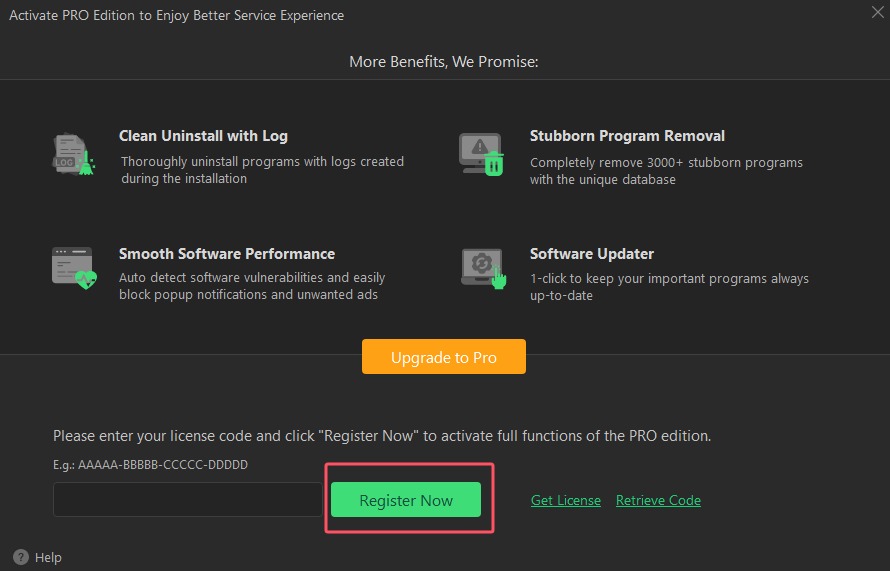
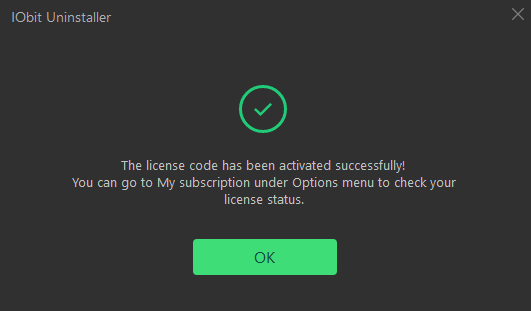
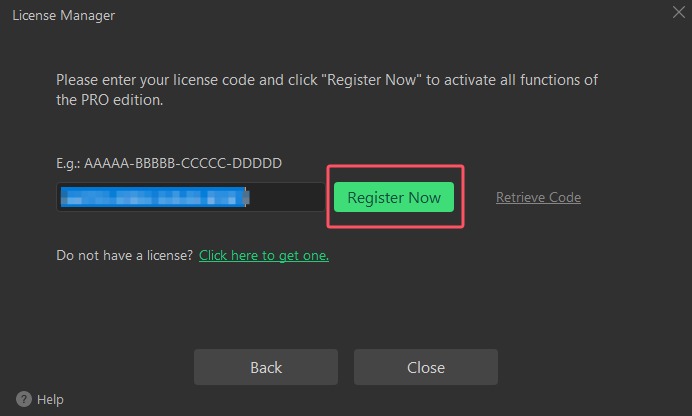
2. Copy & Paste to enter your license code, and click Register Now button to enjoy Pro version.


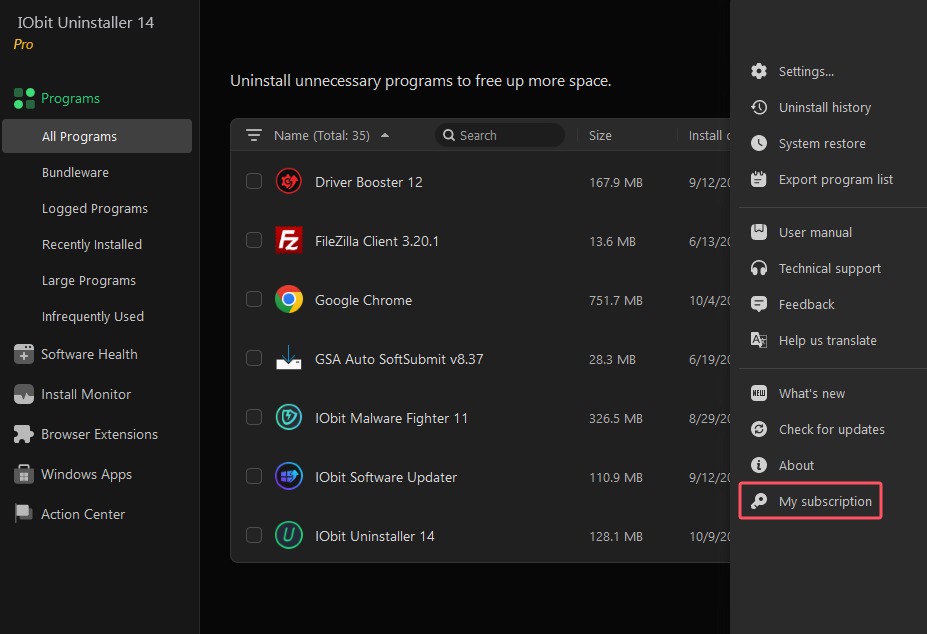
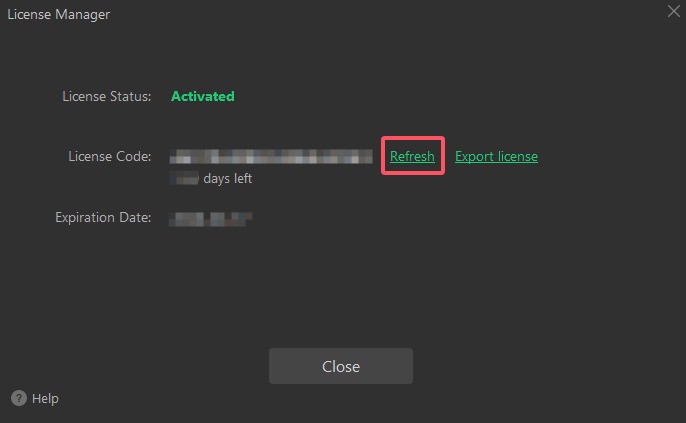
1. Open IObit Uninstaller PRO, and click the Options icon at top right of the main screen, and select My subscription in the menu.

2. Click Refresh link to open a new registration window.

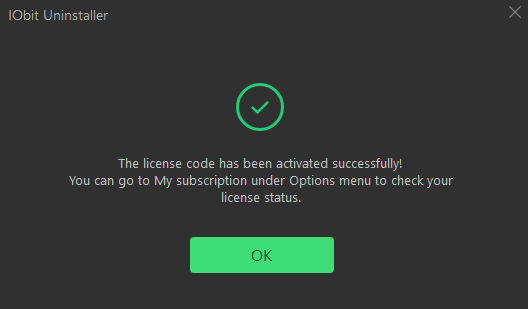
3. Copy & Paste to enter your new/renewal license code, and click Register Now button to refresh your service time.


訂閱電子報,第一時間掌握產品更新與最新優惠,並可隨時取消訂閱。